Komga Bulk Downloader
Browse a Komga manga server from your KOReader e-reader, multi-select chapters, and download them all at once into per-series folders. Reading progress syncs back to Komga through KOReader's own sync.
Highlights
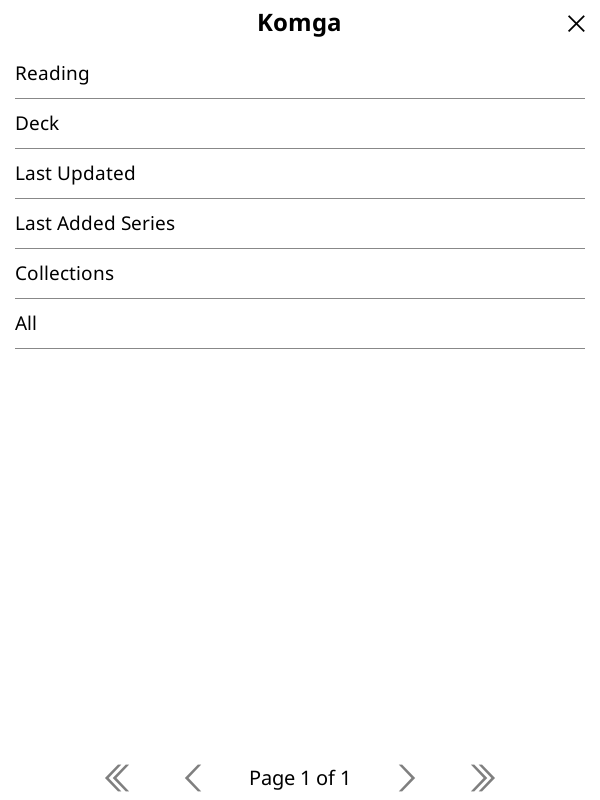
- Six browse modes: Current Reading, Deck, Last Updated, Last Added Series, Collections, All.
- A multi-select chapter picker with select-unread / next-N-unread / select-all.
- Bulk downloads into
Komga/<Series>/<NNNN>.cbz, skipping files already on the device. - Reading-progress sync via KOReader's built-in Komga sync — the downloaded file is byte-identical to the server's, so Komga matches it by content hash.
Get going
- New here? Follow the Get Started walkthrough.
- Reference: see Usage for every mode, the glyph legend, and file locations.
- Download: grab the latest
.zipfrom the Releases page.